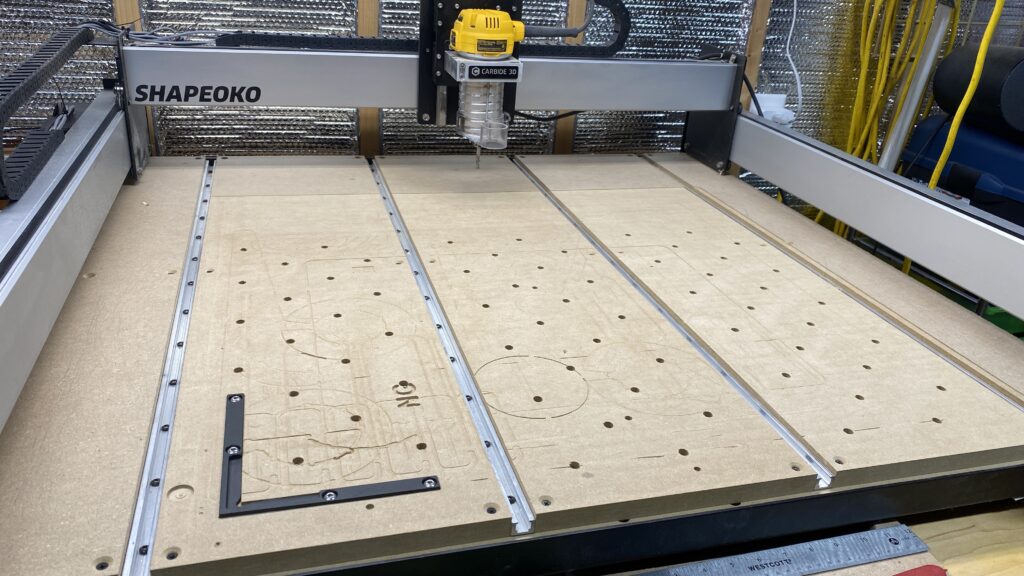
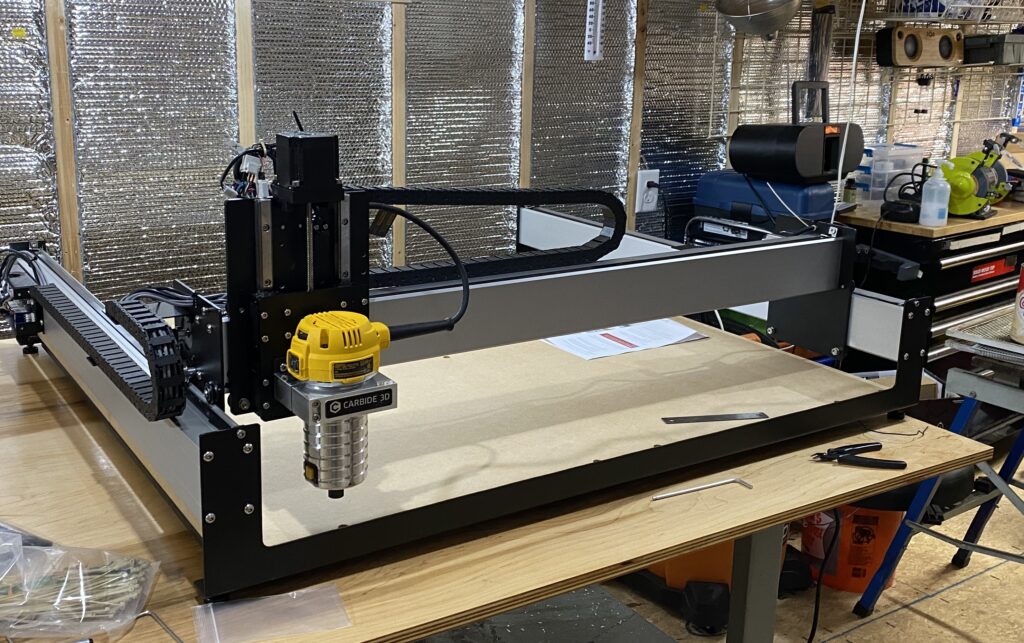
To start the CNC journey, I first need to buy a CNC router. I chose the Carbide3D Shapeoko 3XXL as my first CNC. The 3XXL seem to be a robust hobbyist level CNC at an “affordable” price.
Building the Bench
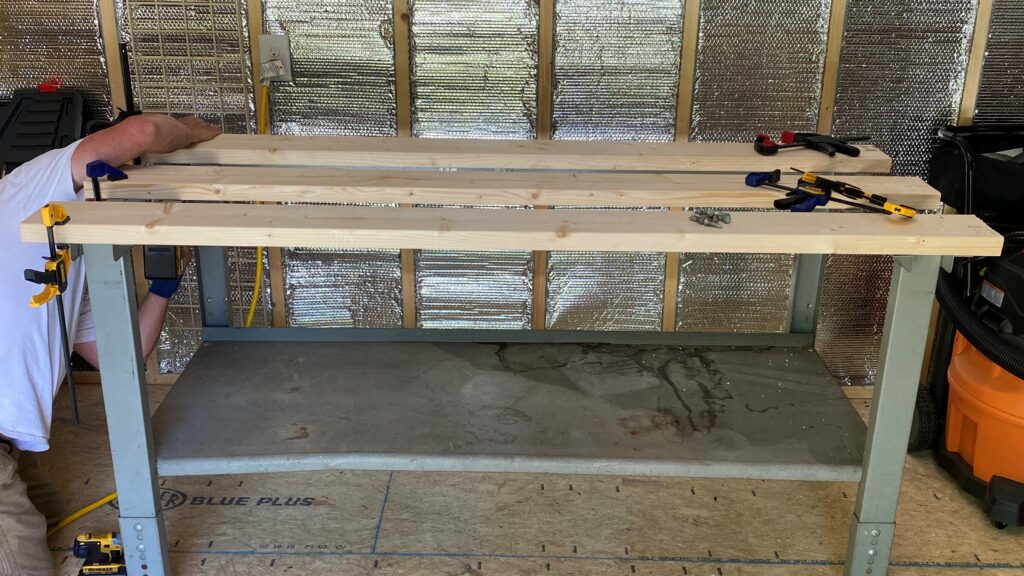
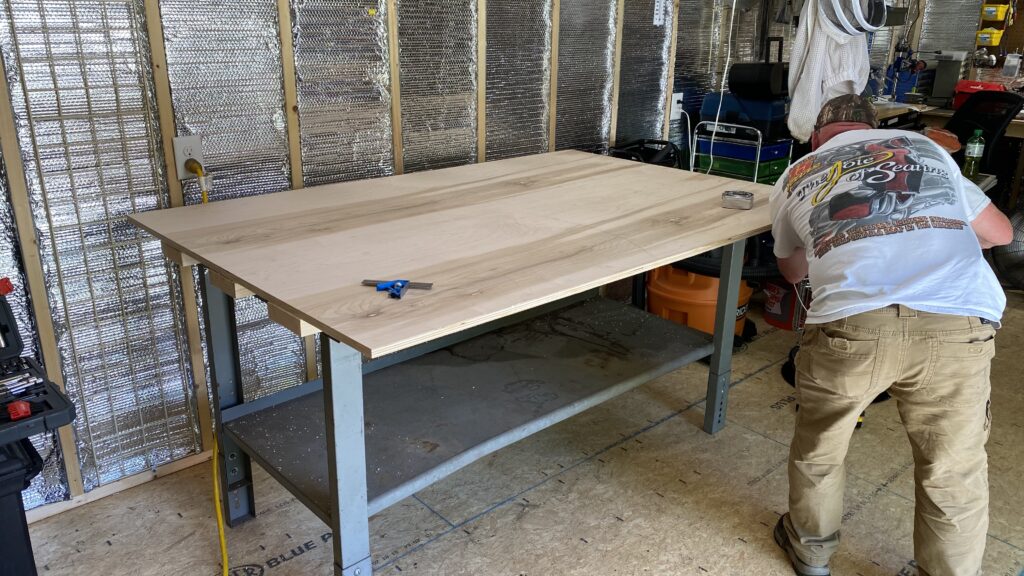
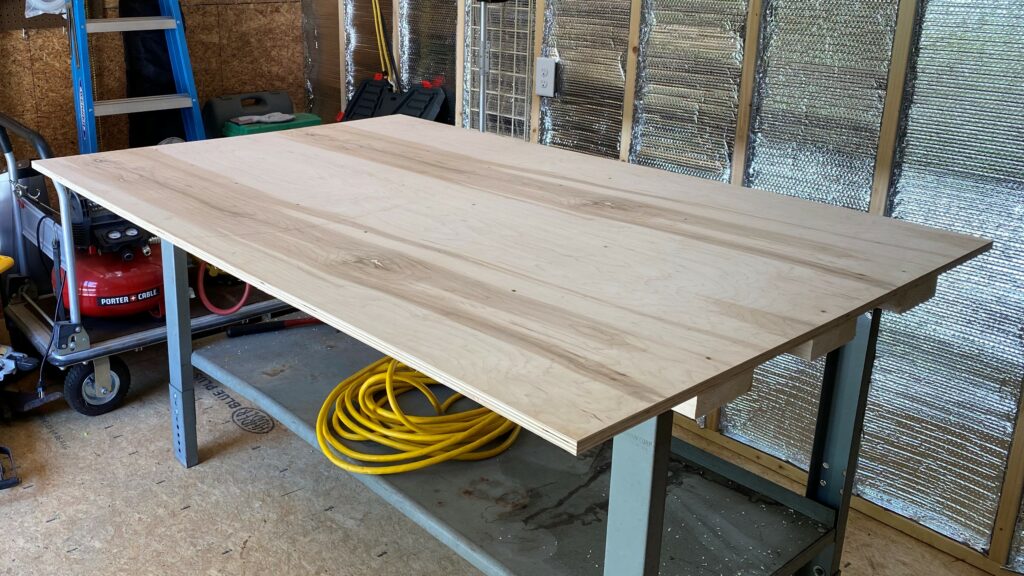
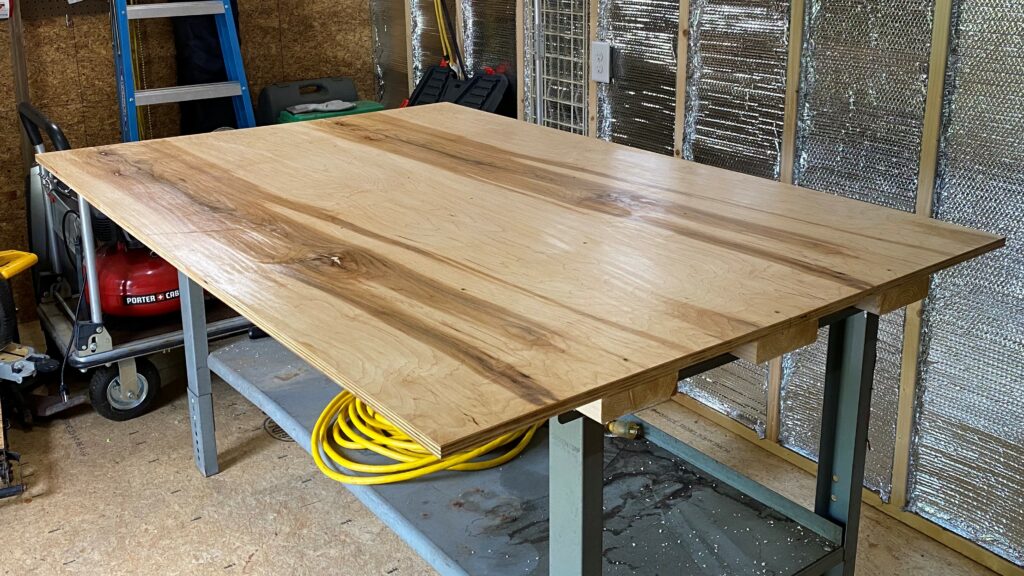
With help from my brother, I repaired an old workbench frame that I had in the basement for the bench for the 3XXL. A 3/4″ maple plywood top was installed.
Assembling the Shapeoko CNC
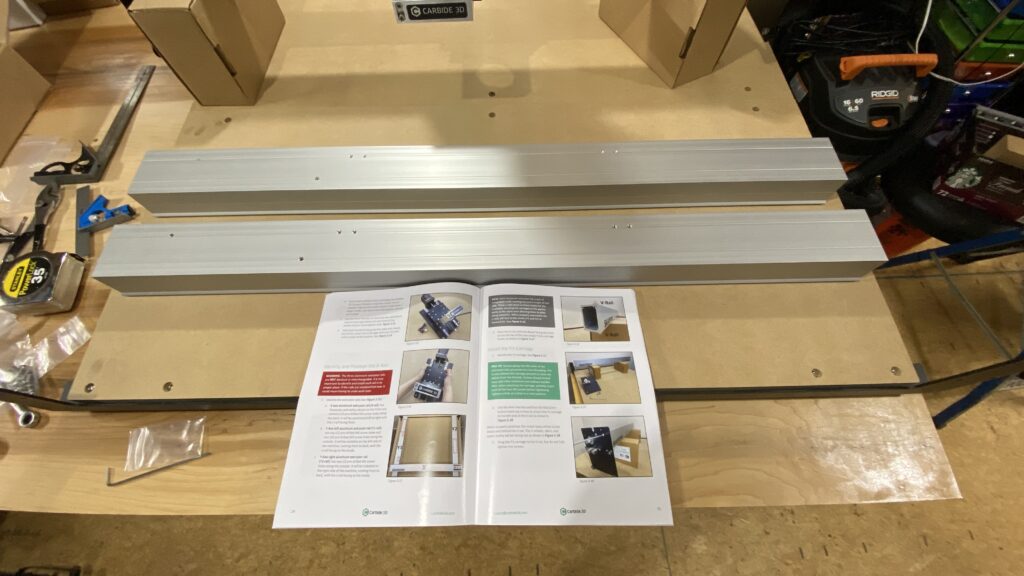
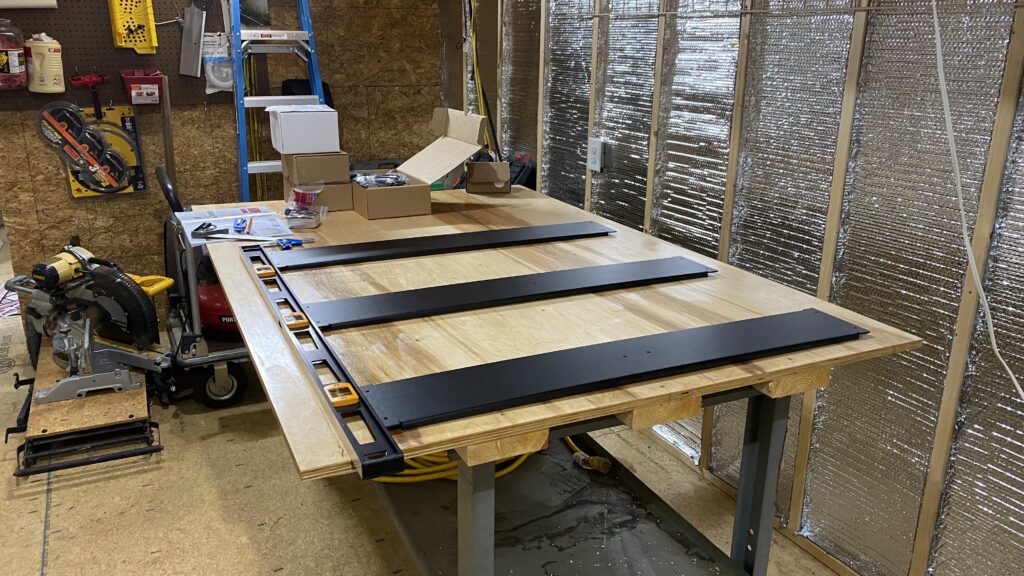
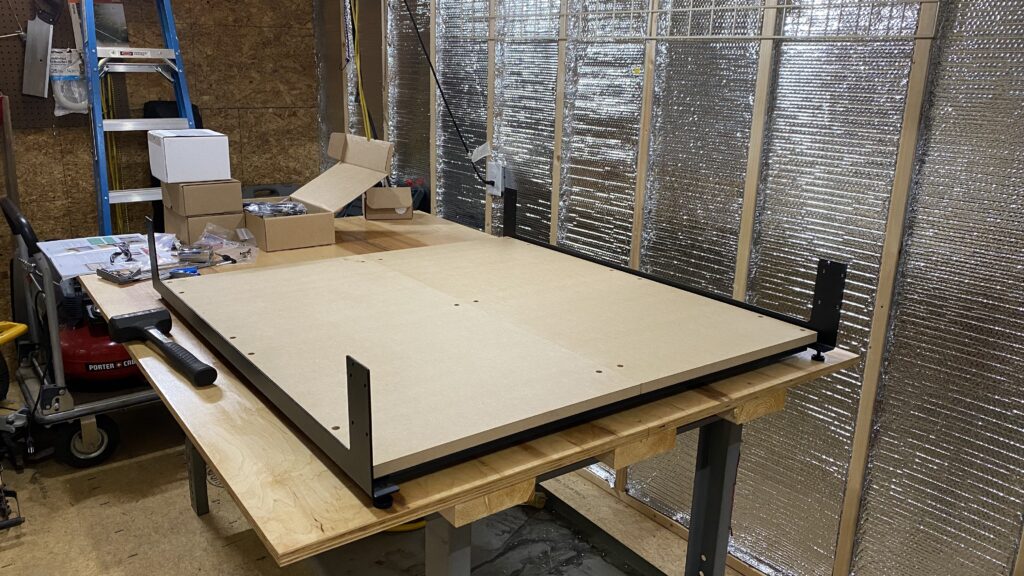
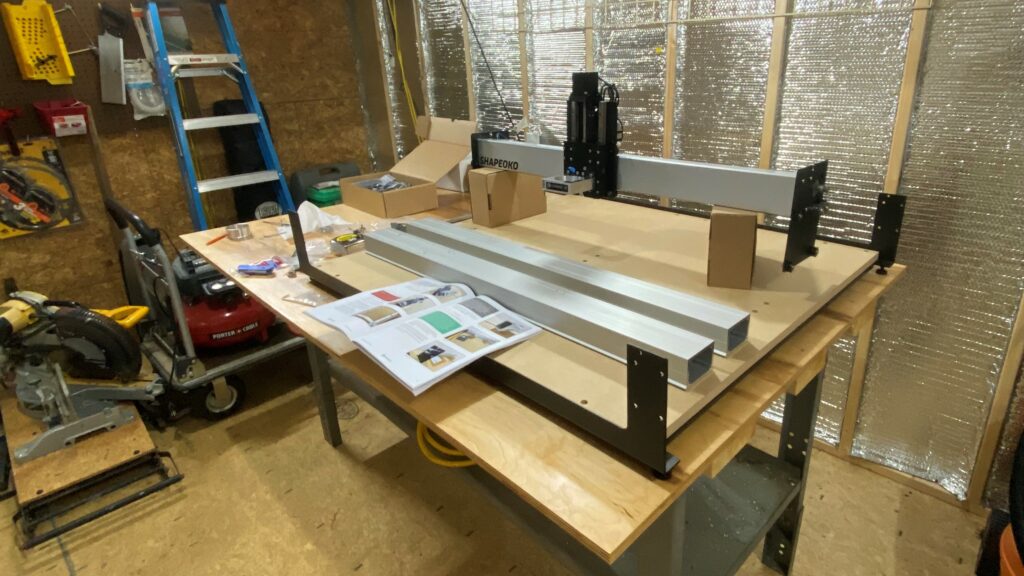
I ordered the CNC and patiently waited for it to arrive. Then, I meticulously assembled the CNC router over a period of about three days. I paid particular attention to squaring the machine frame as perfect as possible.
Learning Projects
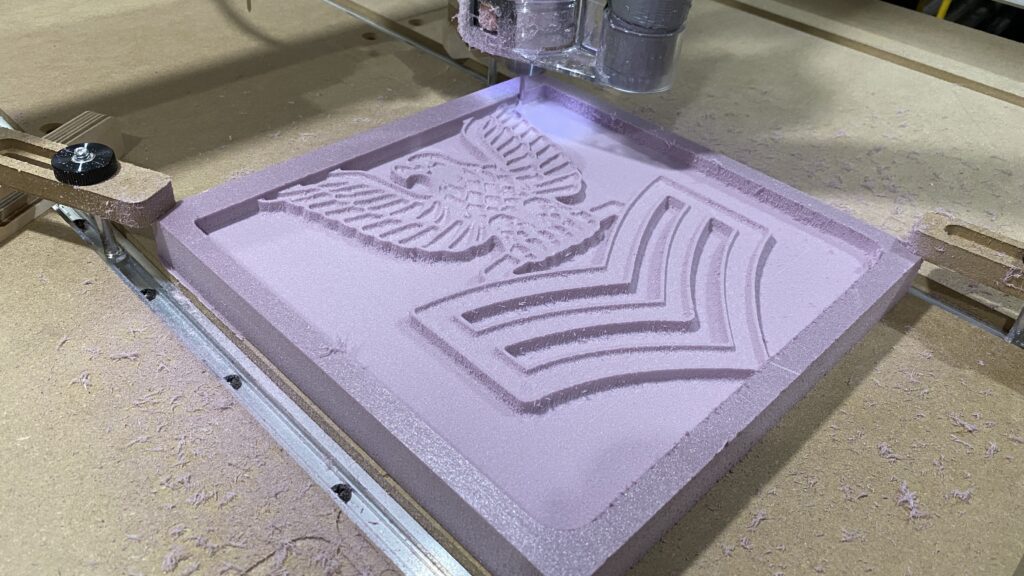
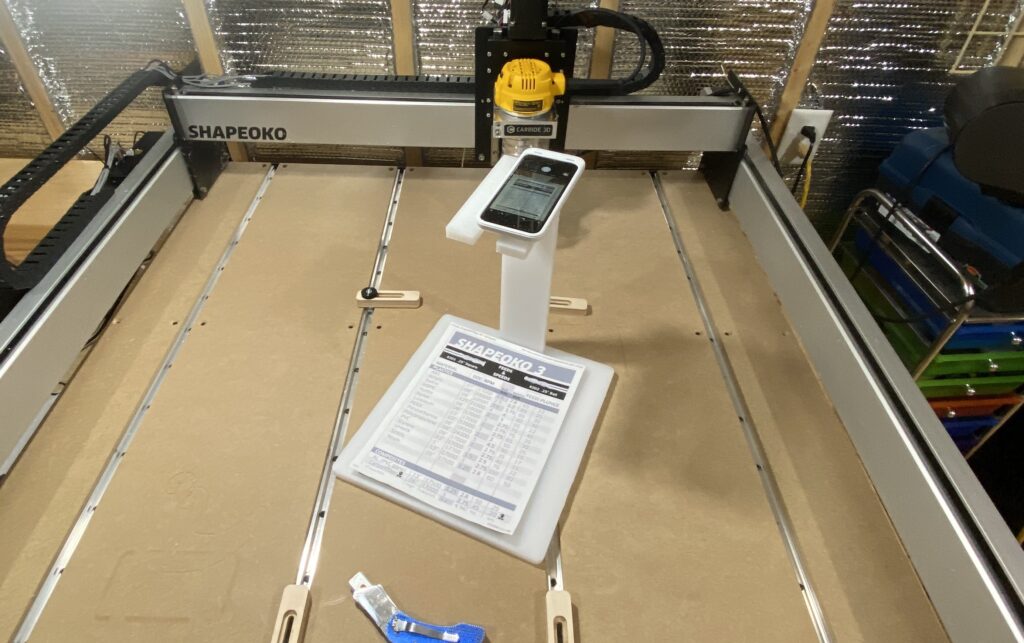
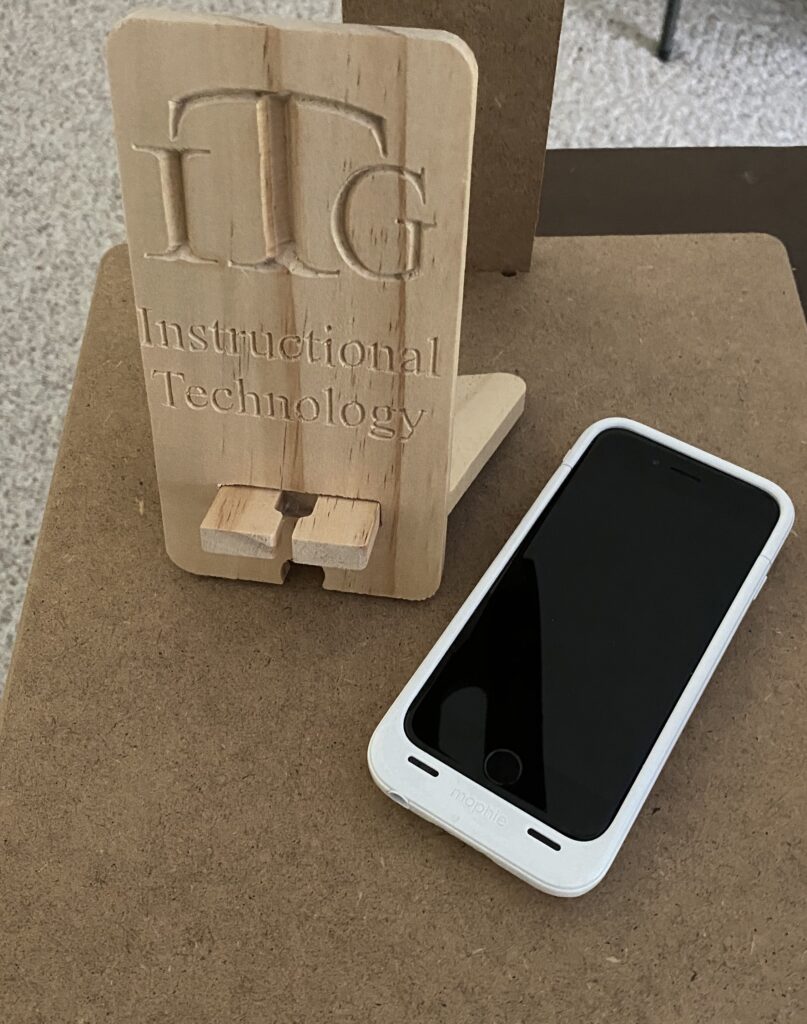
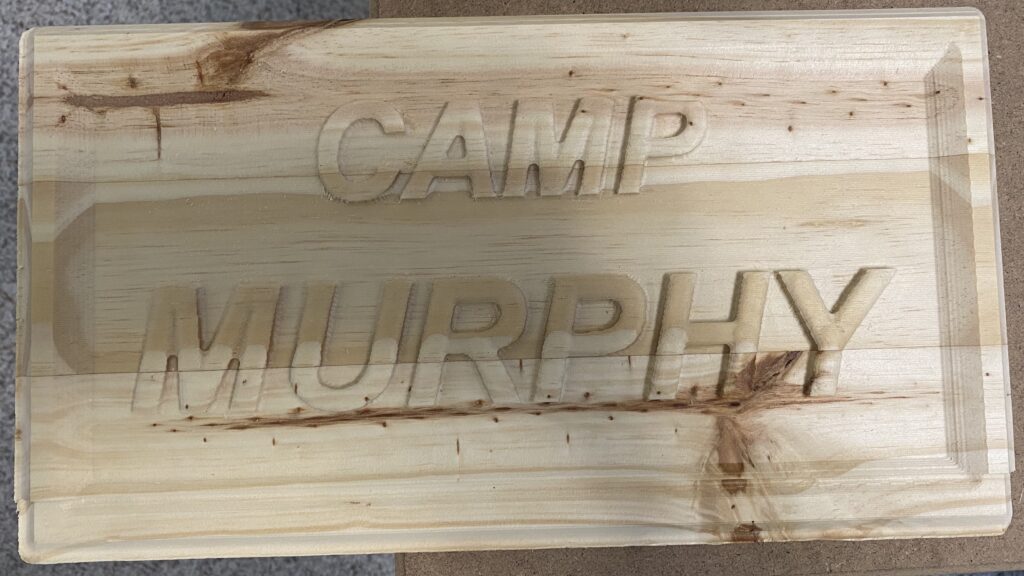
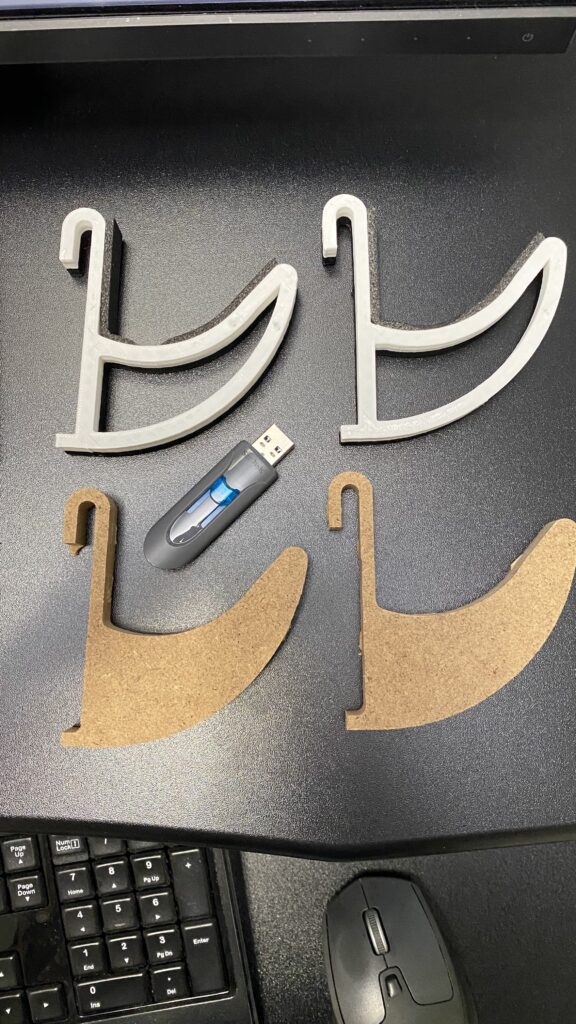
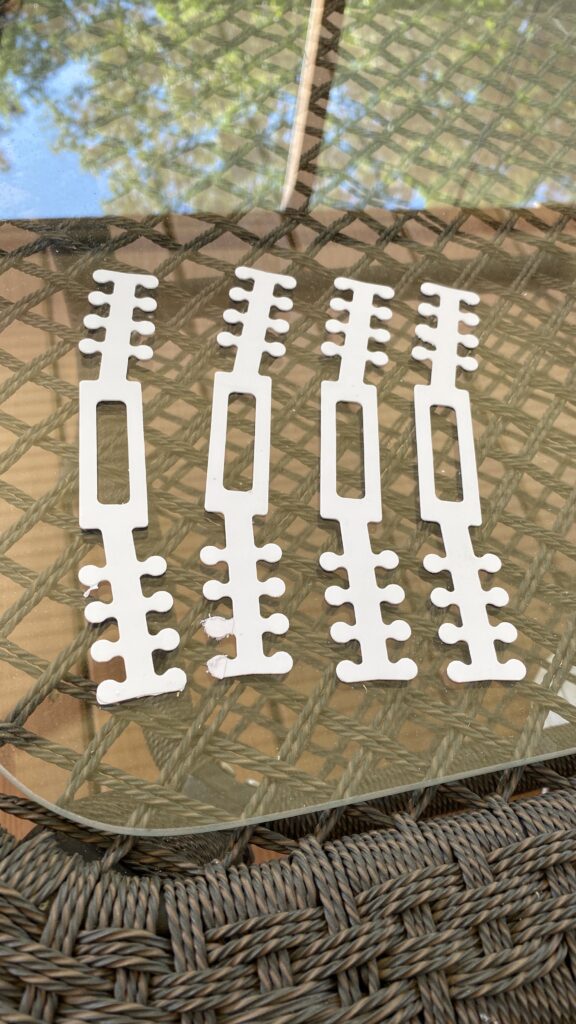
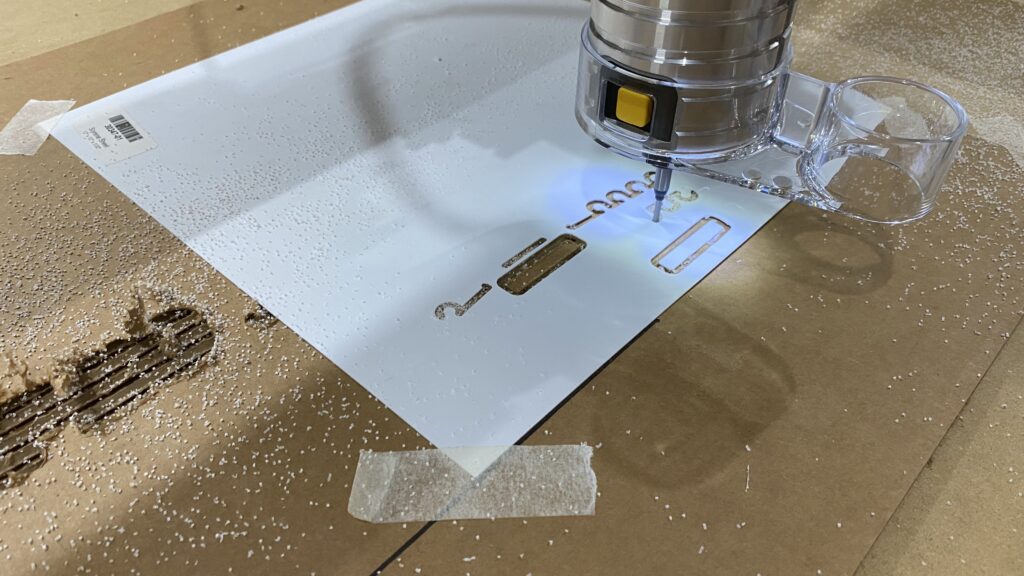
I then spent a few days learning the secrets of CNC routing. The first projects that I worked on included ear savers for masks, grid wall gun racks, an iPhone document scanner platform, and many others.
CNC Mods
Although the base Shapeoko was great out of the box, it needed a couple of mods to improve workflow and accuracy.
Finding Zero
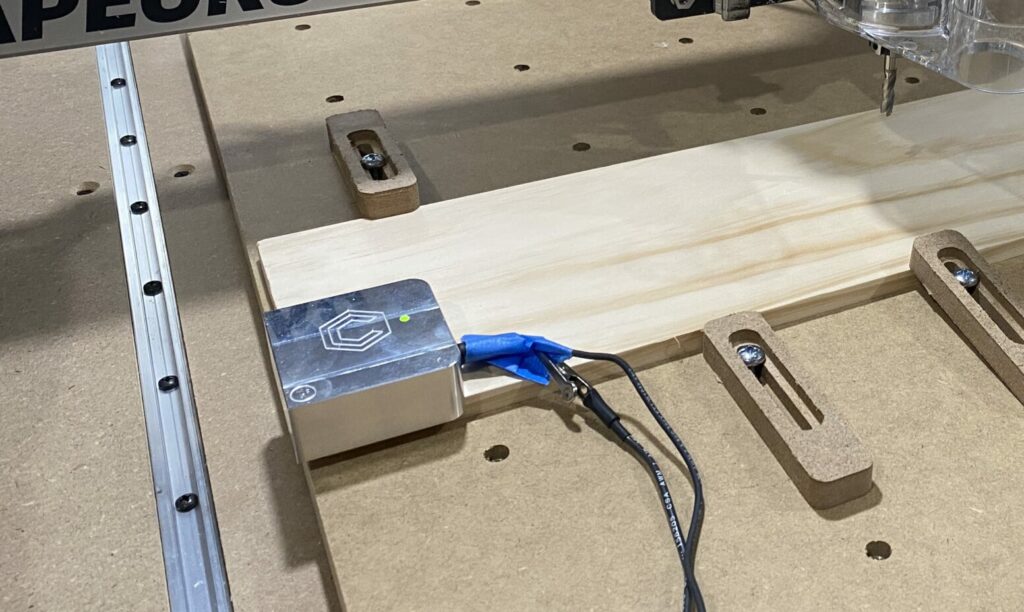
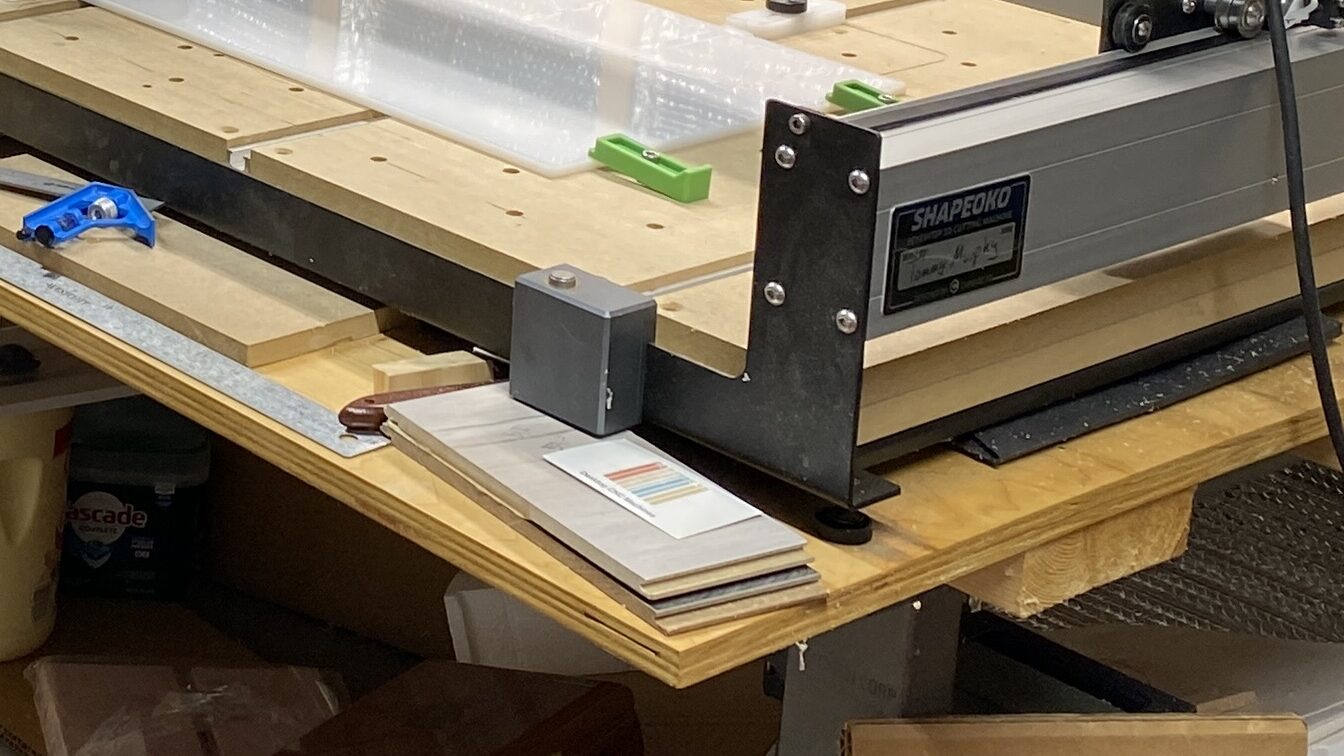
The one mod that I ordered with the machine was the BitZero device. The BitZero is used for automatically setting the X, Y, and Z zero points. Later, I added the BitSetter device to automatically set the Z zero on every tool change. I have to say that the BitSetter was a great add-on.
Work Piece Holding
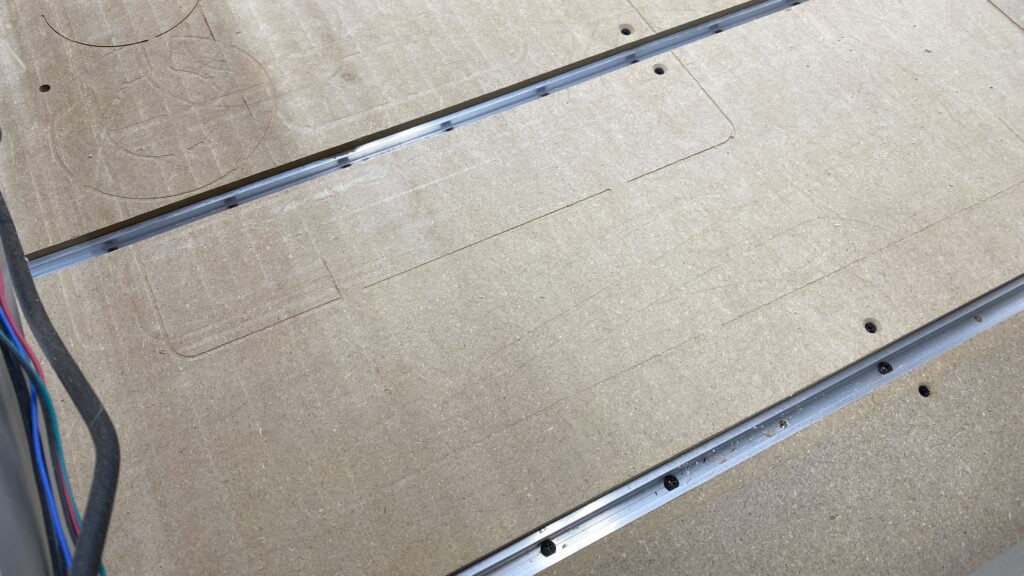
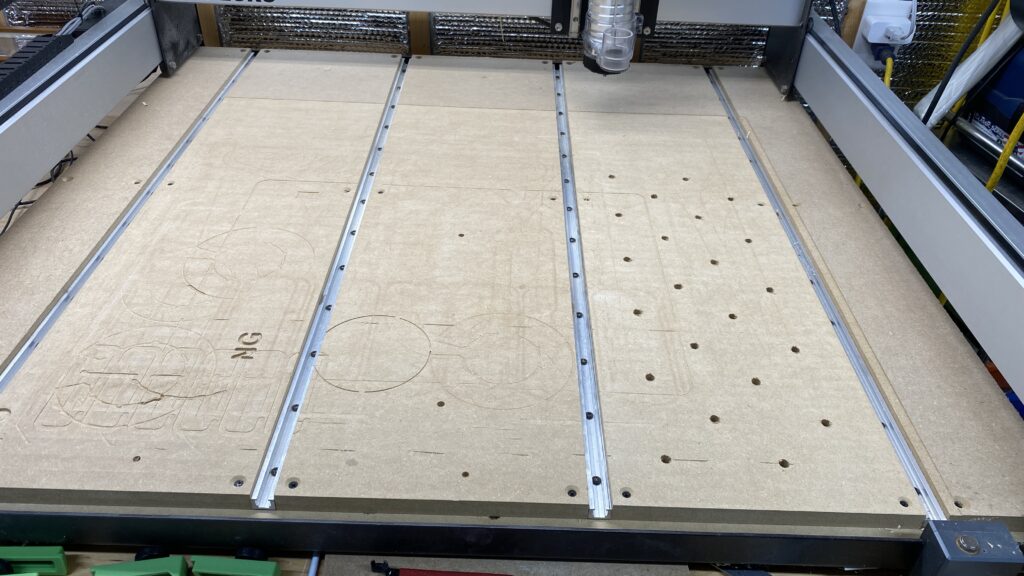
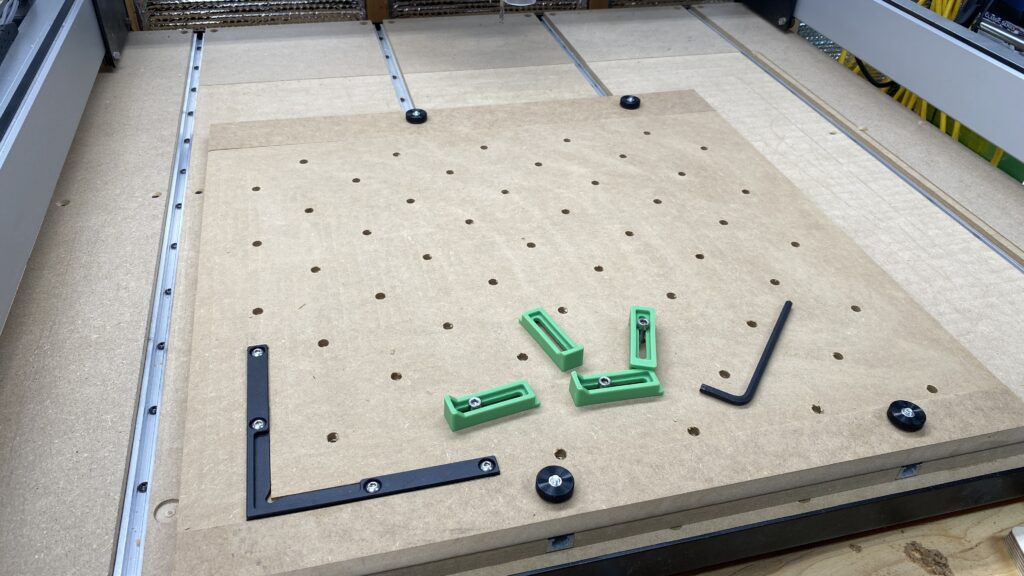
The next mad involved workpiece holding. For that, I added the T-track option to my order. I modified the MDF panels that came with the T-track kit by drilling and adding threaded inserts for even more hold down points.